

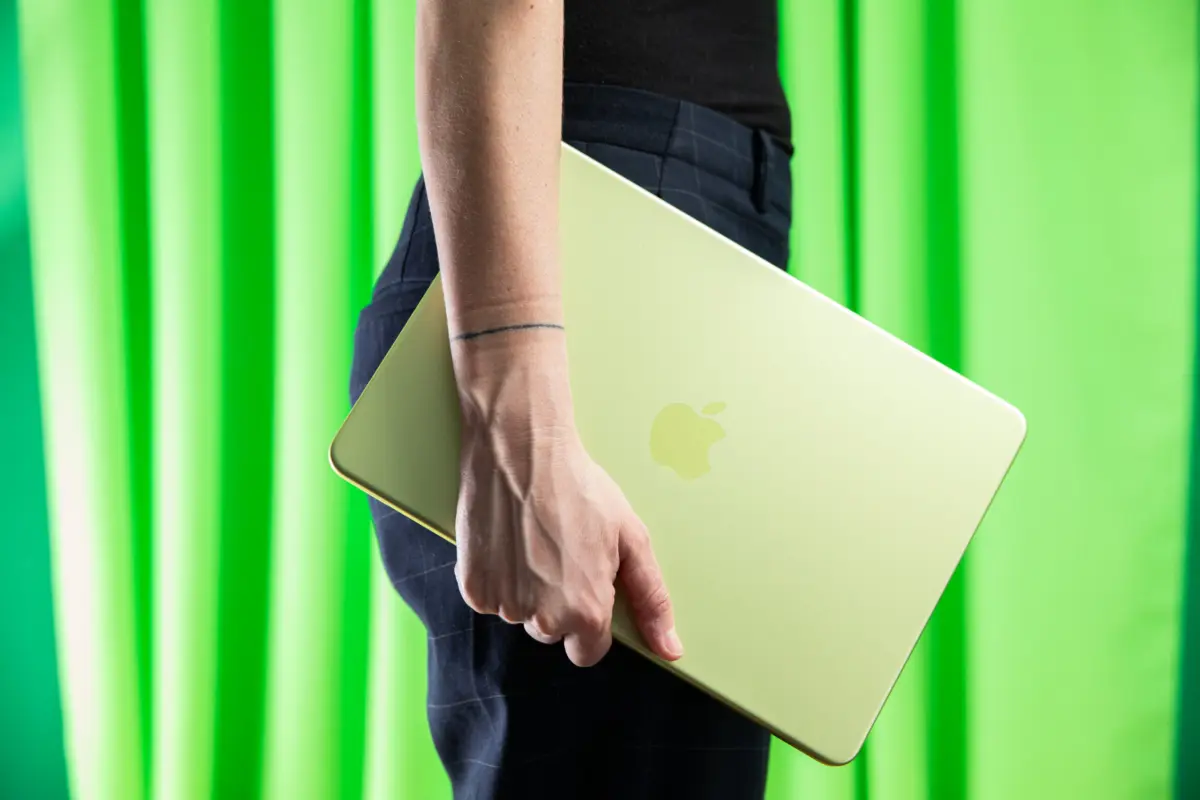
Navigating the consumer technology market as a student in 2026 is a study in contrasts. On one hand, mobile computing has arguably never been more powerful, efficient, or versatile. Silicon architectures like Apple’s M-series, Intel’s Lunar Lake, and Qualcomm’s Snapdragon X platforms have unlocked unprecedented levels of battery efficiency and localized machine learning performance.
On the other hand, the financial barrier to entry has steepened. Shopping for a laptop requires a strategic approach, a clear-eyed understanding of hardware specifications, and an awareness of macroeconomic supply chain realities that are currently reshaping the industry.

Main Facts: The 2026 Component Shortage and Market Realities
The defining story of the 2026 personal computer market is a severe, systemic crunch impacting RAM and NAND flash storage. Driven by surging industrial demands for AI infrastructure and tight fab allocations, the cost of computer memory has spiked dramatically.
According to industry data, the memory manufacturing output through 2027 has already been largely allocated, signaling that supply constraints and elevated pricing will persist well into the coming years. This pinch has rippled across the entire technology sector, driving price increases on flagship MacBooks, iPads, and high-end gaming laptops alike.

For students, this means that the days of easily finding a fully capable, future-proof laptop for under $400 new are largely behind us. While basic, functional systems can still be found under the $500 threshold, buyers must carefully balance compromise against longevity.
Experts strongly advise against purchasing underpowered, sluggish entry-level machines that feel slow out of the box; such devices typically degrade rapidly under the weight of modern web browsing, operating system updates, and multitasking demands.

Chronology: How We Arrived at the Current Hardware Crunch
- 2020–2022 (The Post-Pandemic Correction): The global shift to remote learning and work triggered massive PC demand, followed by supply chain disruptions. During this era, standard entry-level laptops hovered comfortably around the $400–$600 mark with generous specifications.
- Late 2024–2025 (The Rise of AI and Arm Architecture): The launch of Windows-on-Arm chips (Qualcomm Snapdragon X) and Intel’s power-efficient Lunar Lake processors redefined mobile computing standards, heavily emphasizing 16GB RAM baselines for AI-ready Copilot PCs. Concurrently, data center demand for high-bandwidth memory (HBM) began redirecting production lines away from consumer-grade DRAM and NAND.
- 2026 (The Allocation Lock): Supply constraints crystallize into an acute crisis. Industry forecasts confirm that fab capacity for DRAM and NAND is fully booked through 2027, sending shockwaves through retail pricing and forcing manufacturers to adjust their baseline configurations and price structures upward.
Supporting Data: Choosing the Right Specifications in 2026
If you are shopping for a student, understanding baseline hardware requirements is essential to prevent early obsolescence.
Minimum vs. Recommended Specifications
- RAM: While 8GB of memory can scrape by on lightweight operating systems like macOS (such as on the entry-level MacBook Neo), Windows laptops routinely struggle with 8GB under heavy multitasking. A minimum of 16GB of RAM is strongly recommended for any college student.
- Storage: 256GB is the absolute floor, but 512GB or higher is preferred to accommodate local file storage, offline media, and demanding software suites without constantly managing cloud storage offloads.
- Processor Guidelines: For Mac users, Apple Silicon is the mandatory standard. For Windows buyers, stick to modern architectures: Intel Core processors from the 13th-gen "Raptor Lake" or newer Meteor/Lunar Lake series, AMD Ryzen 7000 series and above, or Qualcomm Snapdragon X chips.
Note on Compatibility: While Snapdragon X processors offer astonishing battery life and snappy performance, students needing specialized engineering, medical, or data science software that lacks native Windows-on-Arm optimization should avoid them.

Curated Laptop Recommendations for the 2026 School Year
To help parse through the noise, hardware testers have outlined the top-performing options across various price brackets and categories.
1. The Best Cheap Laptop for Younger Students: Apple MacBook Neo
- Price: Starts at $599 (Educational and Refurbished pricing)
- Why buy it: For middle and high school students, the MacBook Neo strikes an unbeatable balance of premium build quality, trackpad excellence, and reliable performance powered by the A18 Pro chip. While its 8GB RAM and 256GB storage baseline means it will eventually reach its limits faster than a MacBook Air, its sub-$600 price point makes it an exceptional value in the Apple ecosystem.
2. The Gold Standard for College: Apple MacBook Air (M-Series)
- Price: ~$1,199 to $1,299 (Education discounts available)
- Why buy it: The MacBook Air remains the default recommendation for higher education. Upgrading to the Air nets you a substantially faster processor, a baseline of 16GB RAM, and 512GB of rapid storage. Its industry-leading battery life, fanless silent operation, and long-term durability make it a four-year (and beyond) investment. Certified refurbished models offer a way to bypass recent retail price hikes.
3. The Top Windows Alternative: Asus Zenbook A14
- Price: $700 – $1,000 (Frequently discounted)
- Why buy it: Weighing a mere 2.4 pounds (1.09 kg) and wrapped in a unique, textured "Zabriskie Beige" Ceraluminum finish, the Asus Zenbook A14 is a direct contender to the MacBook Air. Equipped with a Snapdragon X Plus chip, 16GB of RAM, 512GB storage, and a gorgeous OLED display, it delivers luxury Windows performance on a budget.
4. The Budget Powerhouse: Acer Aspire 14 AI
- Price: ~$500 – $600 (On sale)
- Why buy it: While its chassis feels a bit utilitarian and creaky, the Acer Aspire 14 AI packs a serious punch for its price class. Featuring an Intel Lunar Lake processor, 16GB of RAM, 512GB storage, and a robust port selection (Thunderbolt 4, USB-A, HDMI 2.1), it provides exceptional computational horsepower and solid battery life for budget-conscious buyers.
5. The Large-Screen Value Play: HP OmniBook 3 (16-inch)
- Price: ~$500
- Why buy it: For students who need a spacious screen without carrying a heavy brick, the 16-inch HP OmniBook 3 weighs just 3.65 pounds (1.66 kg). Powered by an efficient Qualcomm Snapdragon X chip, it boasts excellent battery life and a dedicated numeric keypad, though compromises are made in speaker and display sharpness.
6. The Refurbished Business Champion: Lenovo ThinkPad T14 / L14
- Price: ~$600 – $1,000 (Refurbished/Outlet)
- Why buy it: Lenovo ThinkPads are legendary enterprise workhorses built for durability, featuring world-class keyboards and extensive port arrays. Because corporate fleets refresh regularly, secondary markets are flooded with certified refurbished units (like the T14 Gen 4 with Intel Raptor Lake chips) offering high-end reliability at a fraction of original retail costs.
7. The Best Value Chromebooks: Asus Chromebook Plus CX34 & Acer Chromebook Plus Spin 514
- Price: $300 – $600
- Why buy it: For younger students or those strictly tethered to web-based workflows, the Asus Chromebook Plus CX34 ($350) handles browser-first tasks effortlessly. If you have more room in the budget, the convertible Acer Chromebook Plus Spin 514 ($600 on sale) adds a MediaTek Kompanio Ultra processor, 12GB RAM, and a 360-degree touch display ideal for stylus note-taking.
Implications: Strategic Advice for Tech Buyers
The structural realities of the 2026 hardware market carry clear implications for consumers. Because memory supply is constrained and prices are projected to remain high, procrastination is costly. Waiting for deep clearance sales on high-spec machines may lead to frustration as inventory dwindles.

When shopping for students entering demanding college programs, spending slightly more upfront on a resilient machine—such as a 16GB RAM laptop or an Apple Silicon MacBook Air—is a prudent financial strategy. A slightly more expensive computer that lasts five or six years will ultimately outvalue a cheap, underpowered laptop that requires an emergency replacement before graduation. Alternatively, leaning into certified refurbished business machines (like enterprise-grade ThinkPads) remains one of the best loopholes for bypassing inflated retail prices altogether.
